Coder
Wire AI coding agents (such as Claude Code) running inside Coder workspaces to a Tetrate Agent Router data plane. Each developer stores their own Agent Router API key as a Coder user secret, and a platform operator adds one coder_env block to the workspace template, so every workspace routes through Agent Router with per-developer spend attribution, budgets, and revocation.
Persona: Developer with a Coder workspace, plus a platform operator who owns the workspace template.
Estimated time: 10 to 15 minutes across both roles, plus a workspace restart.
Outcomes
By the end of this guide:
- Each developer's Agent Router API key is stored as a Coder user secret and injected as
ANTHROPIC_API_KEY. - The workspace template sets
ANTHROPIC_BASE_URLto the Agent Router endpoint. - Anthropic-protocol agents in every workspace built from that template route through Agent Router.
- Requests appear in the Agent Router request logs attributed to the individual developer's key.
How it works
Coder is a self-hosted cloud development environment: a platform operator owns the workspace template, and each developer owns their workspaces built from it. The integration splits along that line:
- Developer (once): store the Agent Router API key as a Coder user secret. Coder injects it as
ANTHROPIC_API_KEYinto every workspace that developer owns, so the key never touches the template or version control. - Platform operator (once per template): add one
coder_envresource that setsANTHROPIC_BASE_URLto the Agent Router endpoint. The URL is not a secret, so it is safe to commit with the template.
Because each developer brings their own key, requests from workspaces appear in Agent Router request logs attributed per developer.
Requires Coder v2.34 or later (user secrets, available in Coder OSS, with no Premium license needed). Works with any Agent Router data plane: Agent Router Service or an Enterprise (self-managed) one.
Prefer tare integrate (recommended)
The fastest path for the developer half is Configure coding tools with the tare CLI. After tare api login and a coder login against the Coder deployment, preview then apply:
tare integrate dataplanes
tare integrate coder --dry-run --dataplane <dataplane-id>
tare integrate coder --dataplane <dataplane-id>
The command resolves the gateway URL, reuses (or mints) an Agent Router API key, stores it as the Coder user secret, and prints the coder_env template block to hand to the platform operator. If the coder CLI is not installed or not logged in, it prints complete manual instructions instead of failing.
The manual steps below achieve the same thing.
Step 1: store the API key as a Coder user secret
This step is performed by the developer. Log in to the Coder deployment, then pipe the Agent Router API key into a user secret (stdin keeps it out of shell history):
coder login https://coder.example.com
printf '%s' 'your-agent-router-api-key' | coder secret create agent-router-api-key \
  --env ANTHROPIC_API_KEY \
  --description 'Tetrate Agent Router inference key'
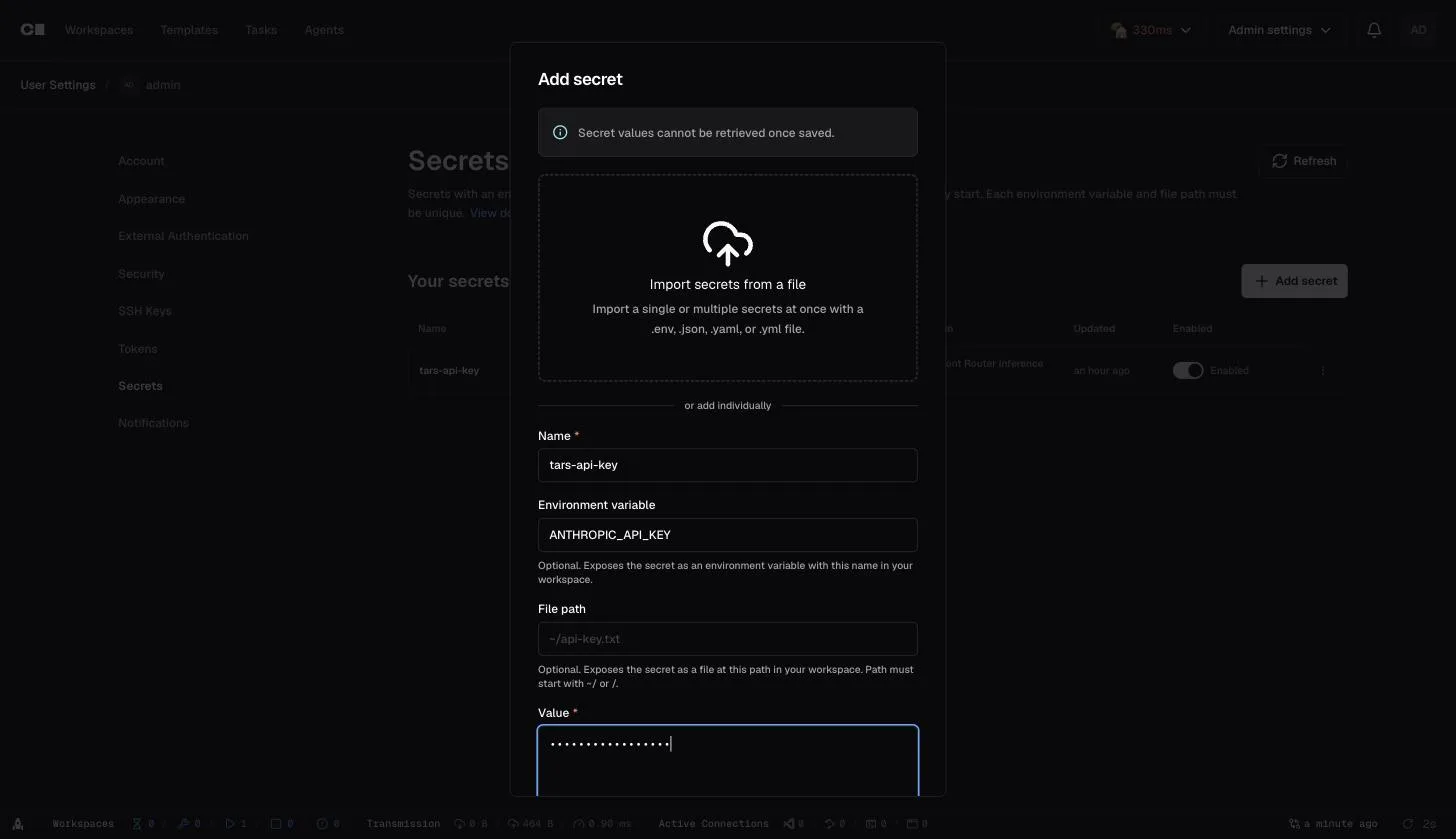
Use coder secret update agent-router-api-key instead if the secret already exists. The secret can also be created in the Coder dashboard under Account > Secrets > Add secret: set the name, the ANTHROPIC_API_KEY environment variable target, and paste the key as the value:
Either way, the secret shows up with its environment-variable target, enabled for injection:
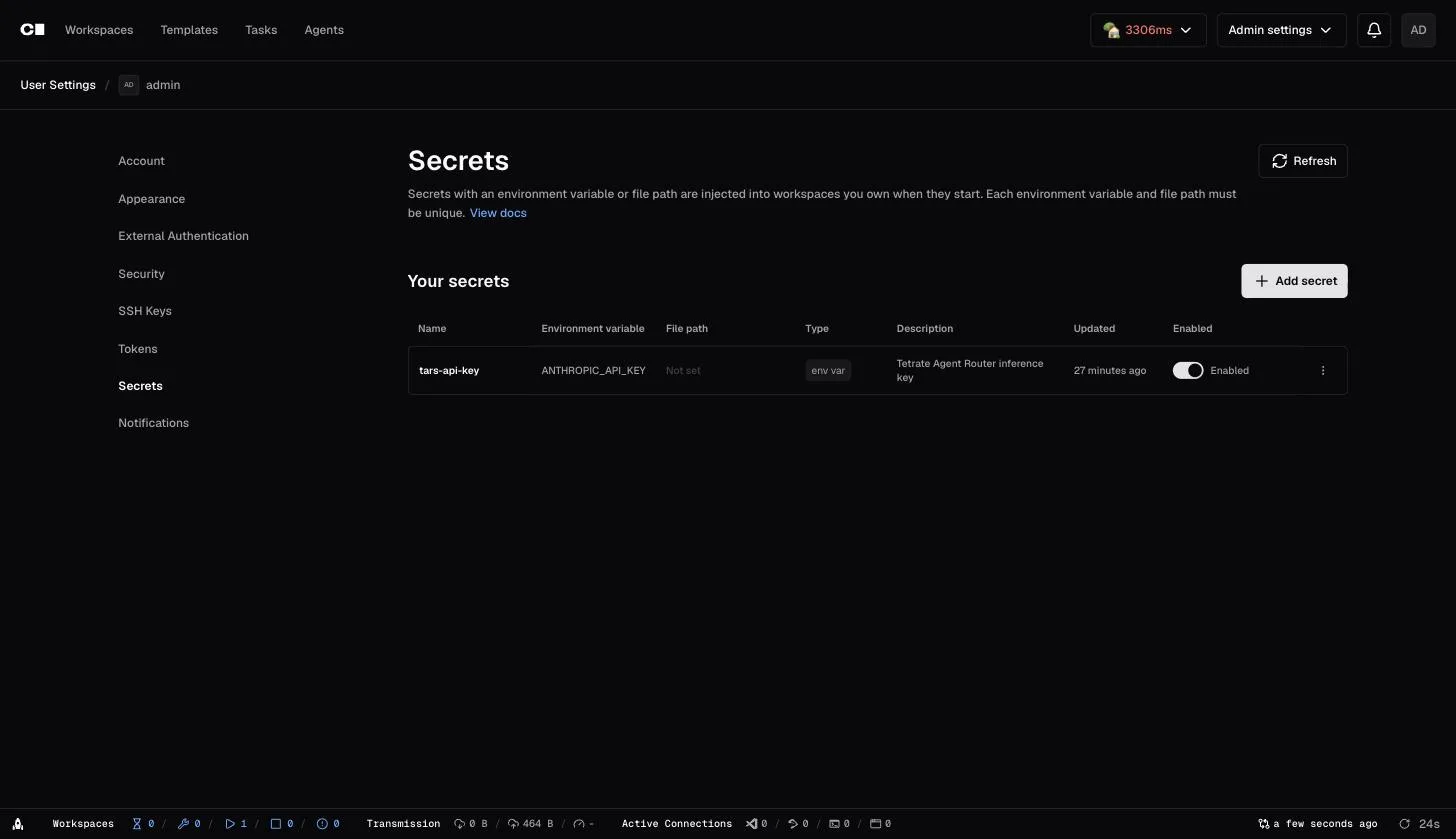
Coder injects the secret as ANTHROPIC_API_KEY into every workspace that developer owns, at workspace start.
Step 2: point workspaces at the gateway
This step is performed by the platform operator. Add the following to the workspace template (the URL is not a secret, so it is safe to commit):
# Routes Anthropic-protocol agents (Claude Code, ...) in every workspace
# through Tetrate Agent Router.
resource "coder_env" "anthropic_base_url" {
  agent_id = coder_agent.main.id
  name     = "ANTHROPIC_BASE_URL"
  value    = "https://your-dataplane.example.com"
}
Replace the value with the gateway URL: for Agent Router Service, the URL from the Console Dashboard; for Enterprise, the project's gateway hostname. Use the host only, not a full /v1/messages URL, because Anthropic clients append the path automatically.
Push the template (coder templates push). The block is visible in the template's Source Code view:
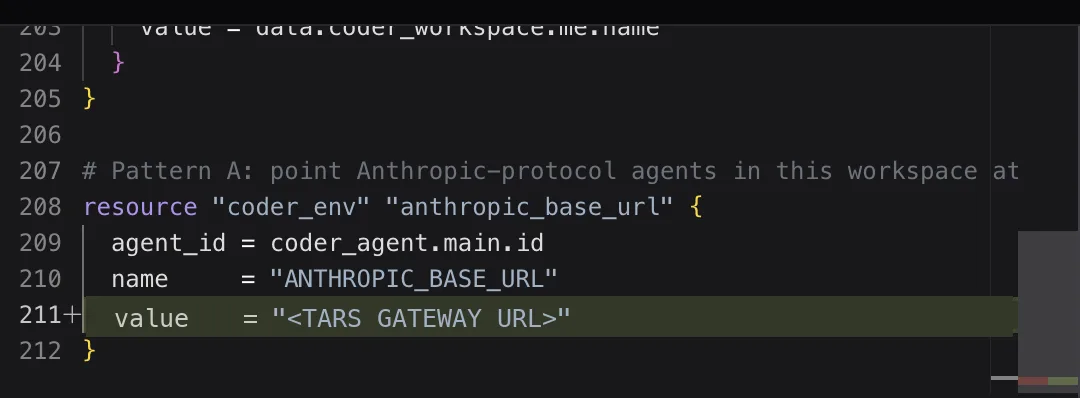
Every workspace built from it now routes Anthropic-protocol traffic through Agent Router.
Step 3: verify from inside a workspace
Start (or restart) a workspace so the secret and template env are injected:
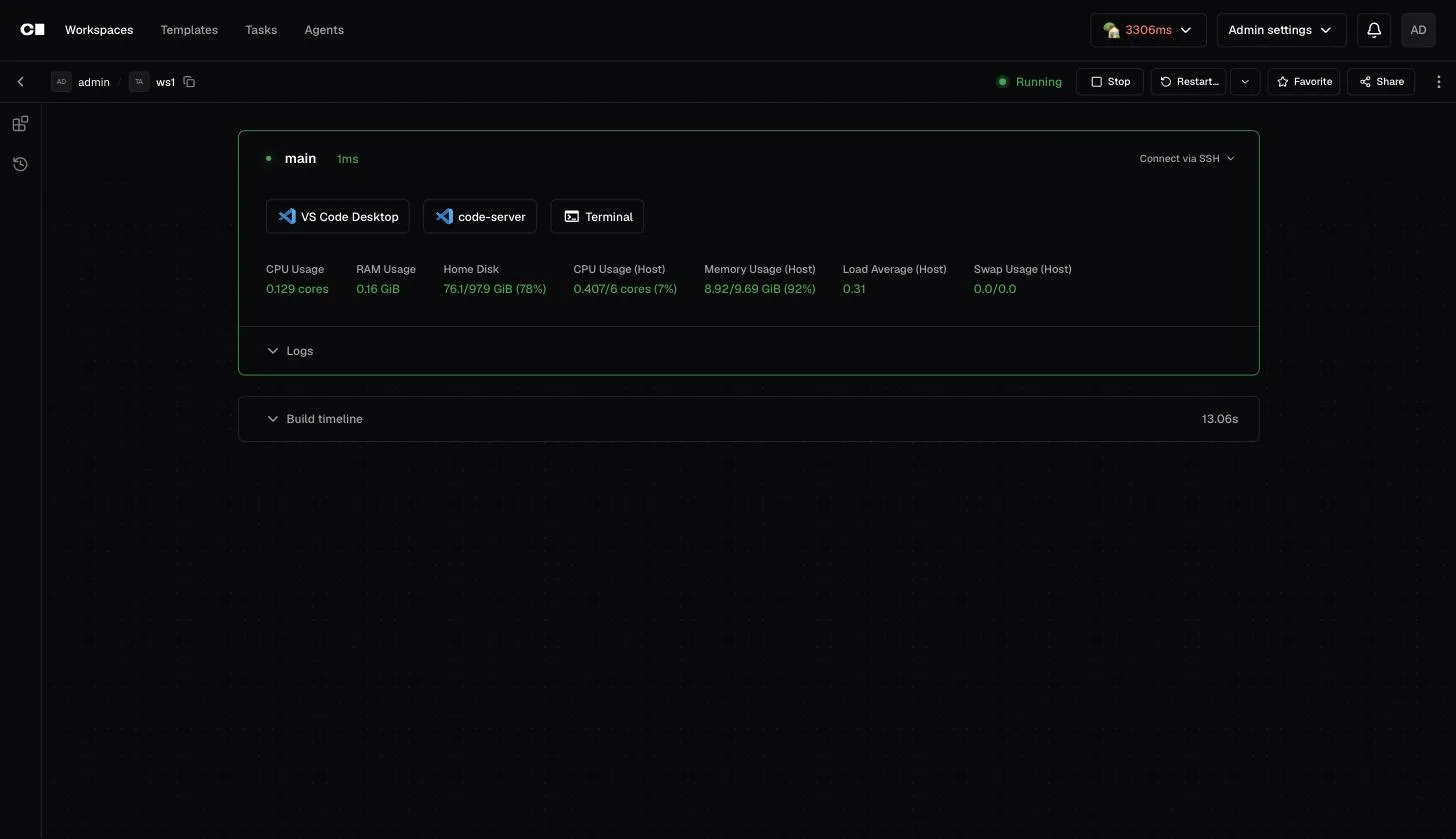
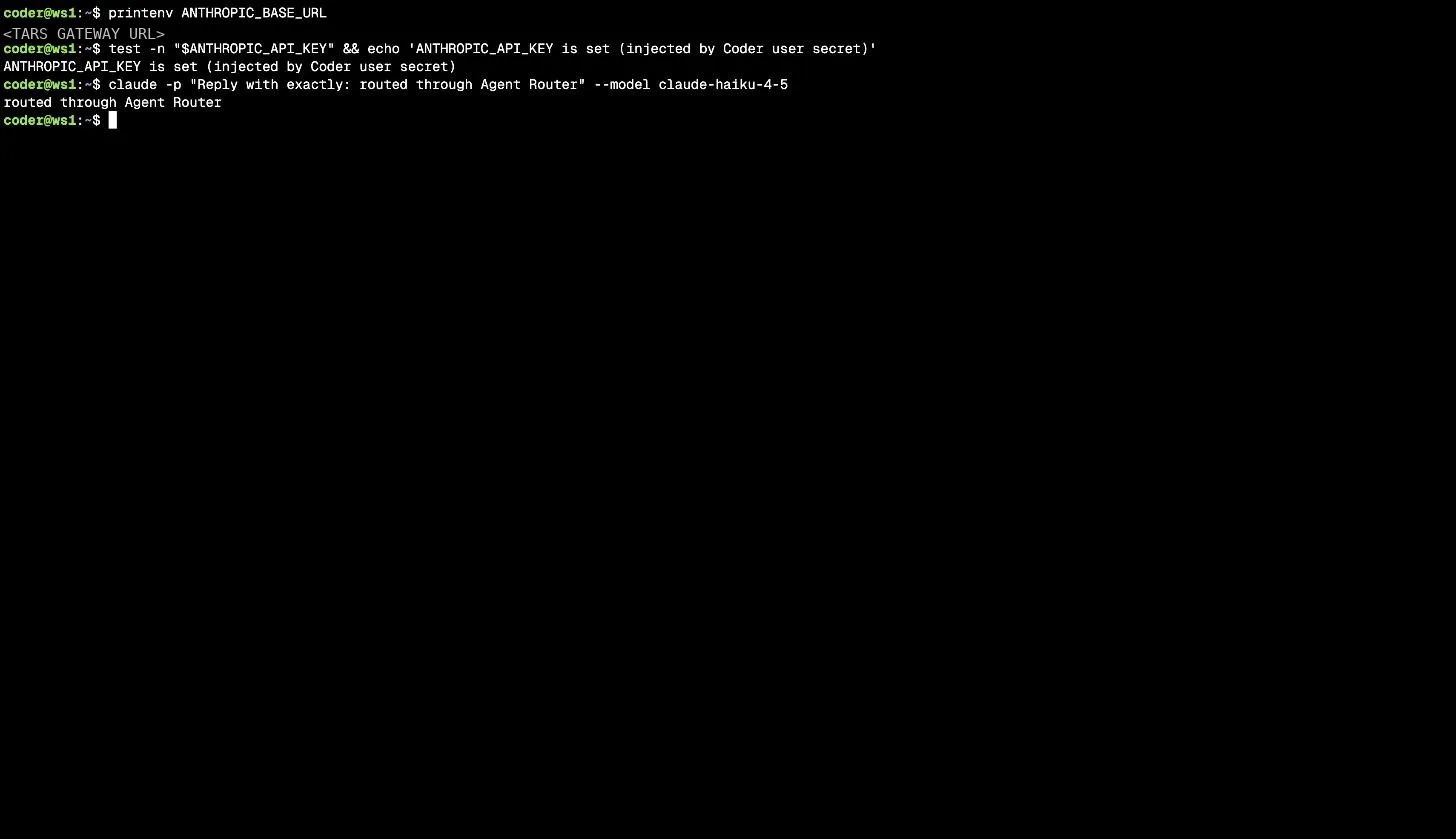
Open a terminal in it and check that both halves landed, then run the agent as usual, for example claude (Claude Code picks up ANTHROPIC_BASE_URL and ANTHROPIC_API_KEY automatically):
printenv ANTHROPIC_BASE_URL
test -n "$ANTHROPIC_API_KEY" && echo "ANTHROPIC_API_KEY is set (injected by Coder user secret)"
claude -p "Reply with exactly: routed through Agent Router"
The endpoint can also be probed directly:
curl "$ANTHROPIC_BASE_URL/v1/models" -H "x-api-key: $ANTHROPIC_API_KEY"
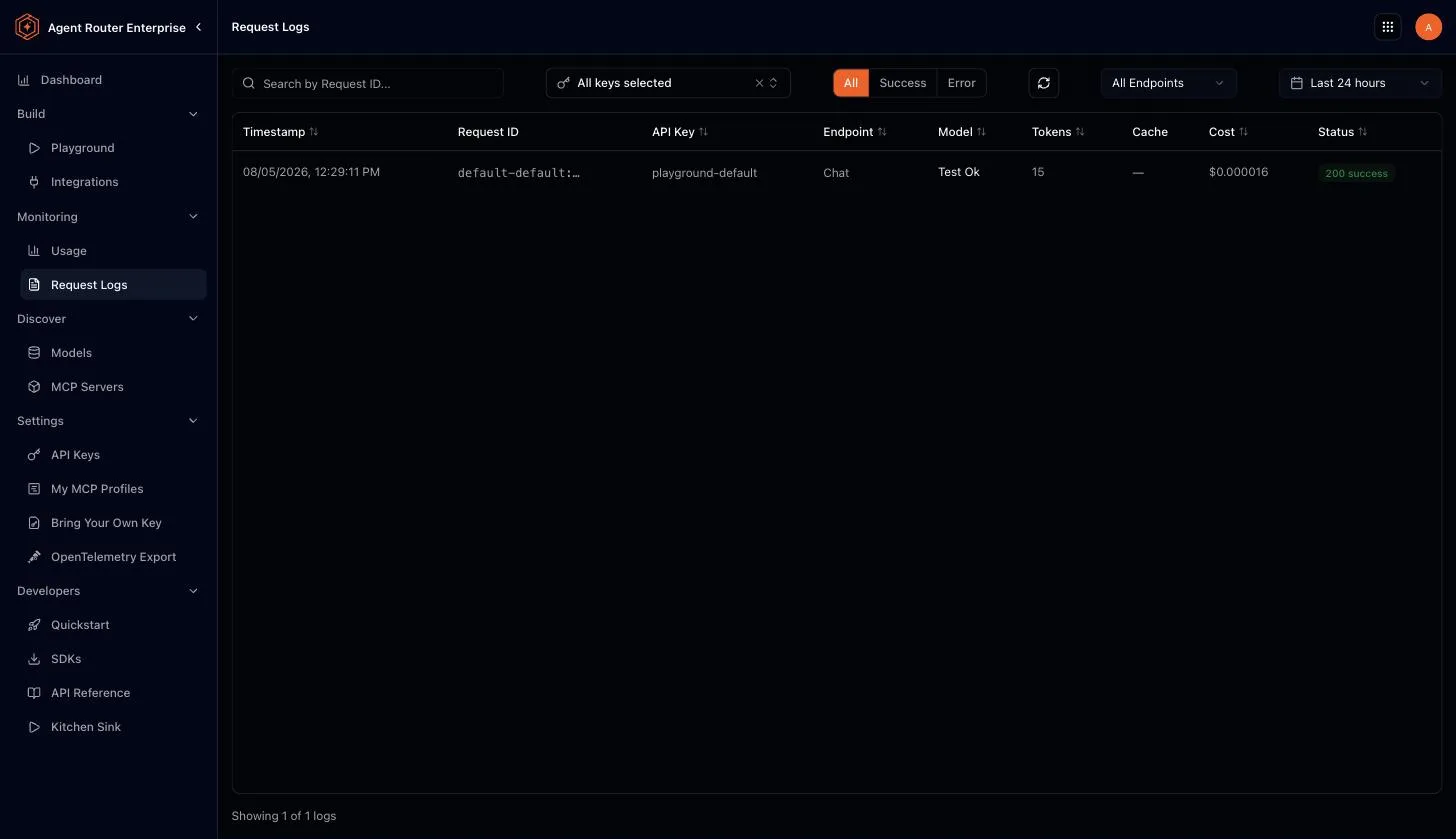
Requests appear in the Agent Router request logs, attributed to the developer's API key. Per-developer spend, budgets, and revocation all work because each developer stores their own key:
Notes and limitations
- Restart to pick up changes: user secrets are injected at workspace start. After creating or updating the secret, restart running workspaces.
- The secret follows the developer everywhere: Coder injects user secrets into every workspace that developer owns on that deployment. Where some workspaces must talk to Anthropic directly, unset
ANTHROPIC_API_KEYandANTHROPIC_BASE_URLin those, or scope templates accordingly. - Template parameters are not for keys: Coder displays parameter values in cleartext across the product and recommends against them for secrets. User secrets exist for exactly this.
- OpenAI-protocol tools: the wiring above is for the Anthropic protocol. OpenAI-shape tools inside workspaces can use the same pattern with a second secret (
--env OPENAI_API_KEY) and acoder_envfor the OpenAI-compatible base URL (the gateway URL with/v1). - Coder AI Gateway is not the mechanism: Coder's own AI Gateway (a Premium add-on) would demote Agent Router to an upstream provider. This integration deliberately uses plain environment wiring instead, so it needs only Coder OSS.
Where to go next